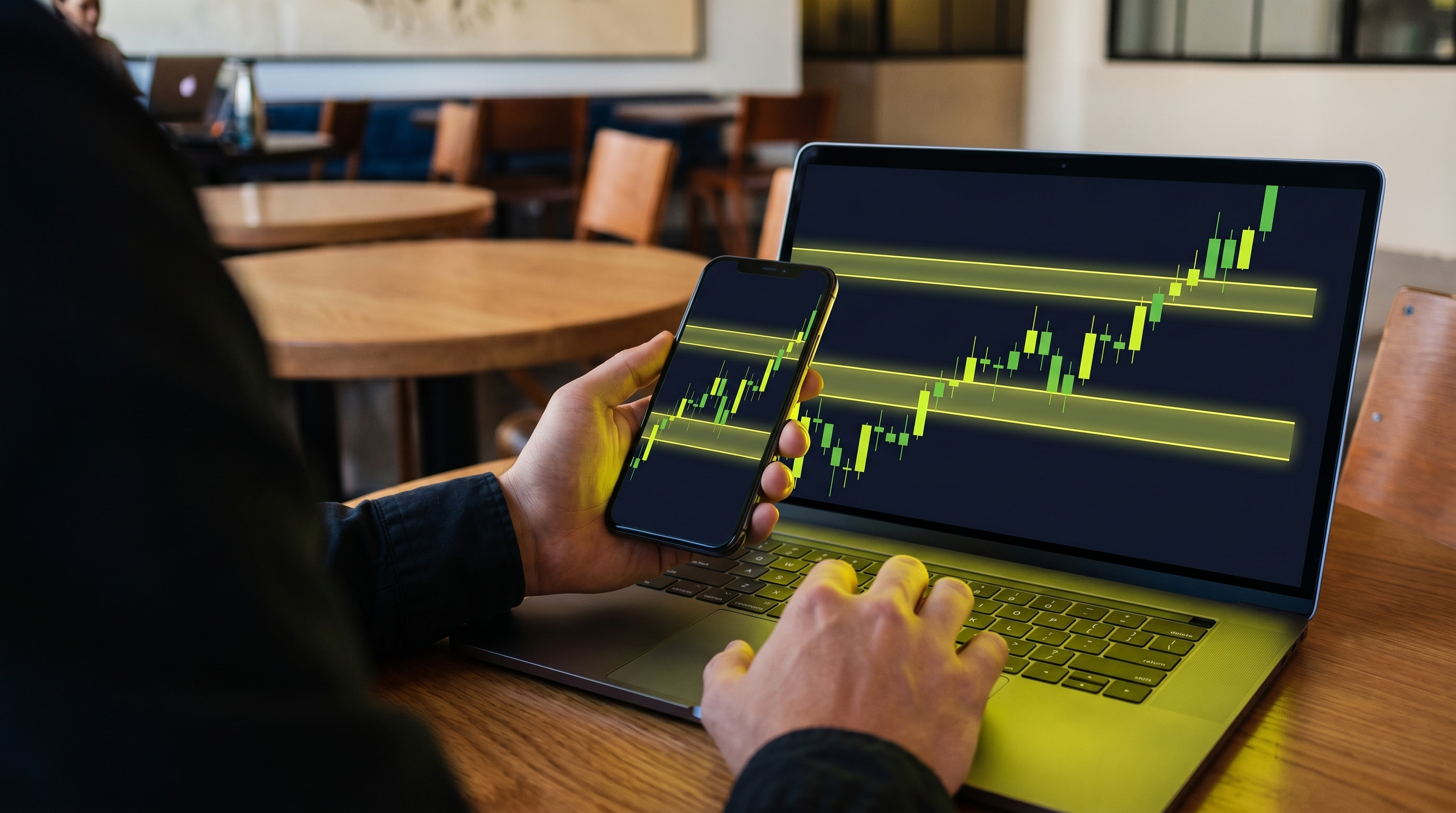
Day trading lives on the lower timeframes, and that is exactly where charts get loud. Dozens of fair value gaps and order blocks form every session and most of them are noise. The edge isn't drawing more zones — it is knowing which two or three are worth your risk today.
Here is how to run FVG + OB Hunter for intraday trading: filter by grade, stack confluence fast, time the session, and let alerts do the watching. New to the tool? Start with the full FVG + OB Hunter walkthrough first.
Why Intraday Is Harder — and What Actually Helps
On a daily chart you have time to think. On the 5-minute, zones appear and get tested in minutes, and the temptation is to trade every box. The fix is the same one professional desks use: raise your filter. Instead of asking "is there a zone here?" ask "is there an A-grade zone here, with confluence, near a level that matters?" Most setups fail that test — and skipping them is the trade.
Step 1 — Let the Grade Filter the Noise
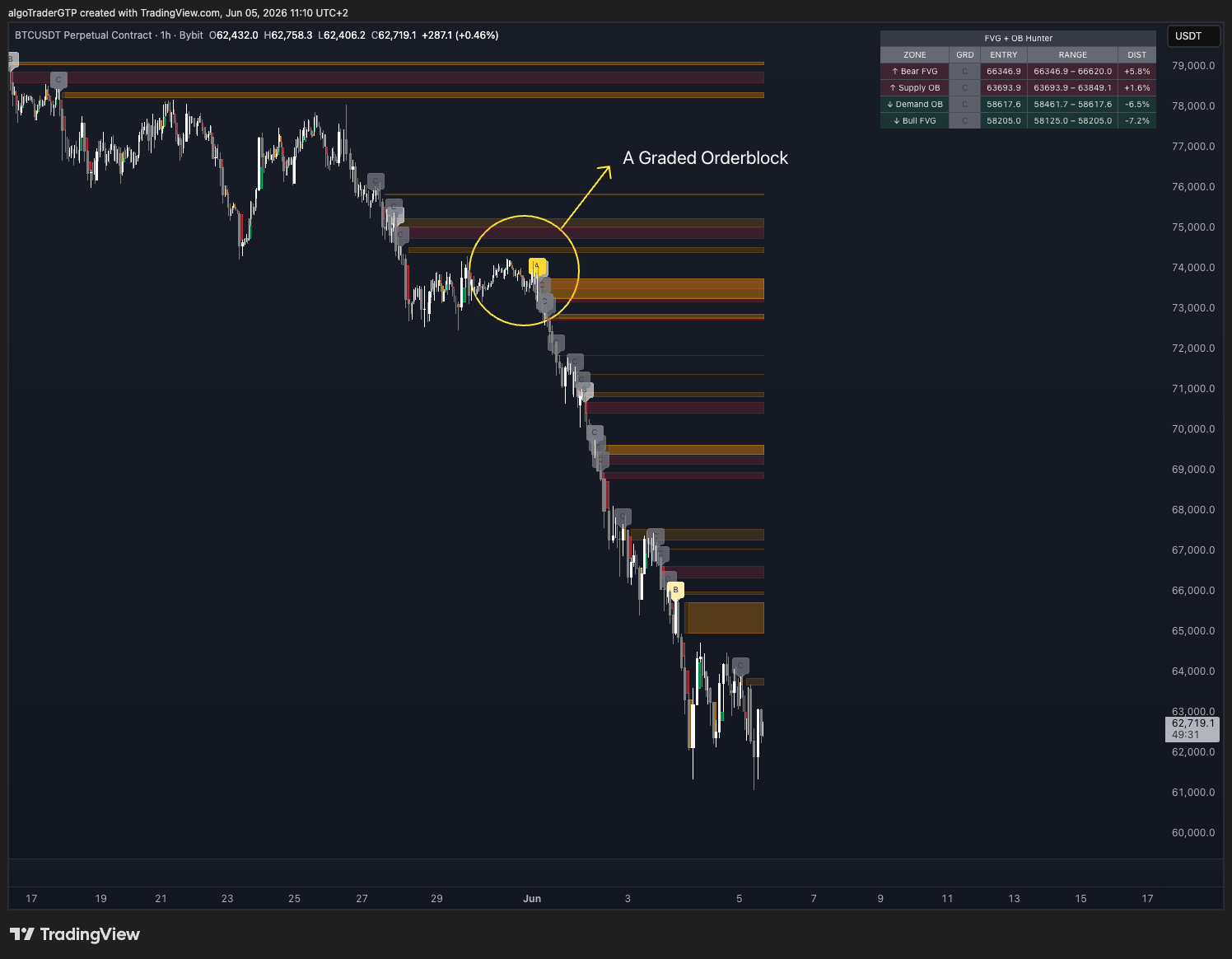
FVG + OB Hunter grades every zone the moment it forms, so an A-grade order block stands out from a weak one at a glance. Intraday, the grade is your gatekeeper: trade the strongest zones as primary setups and treat weak ones as context, not triggers. The live nearest-zones summary keeps the level above and below current price in front of you, so you're never scrolling while a setup runs.
Step 2 — Stack Confluence on the Lower Timeframes
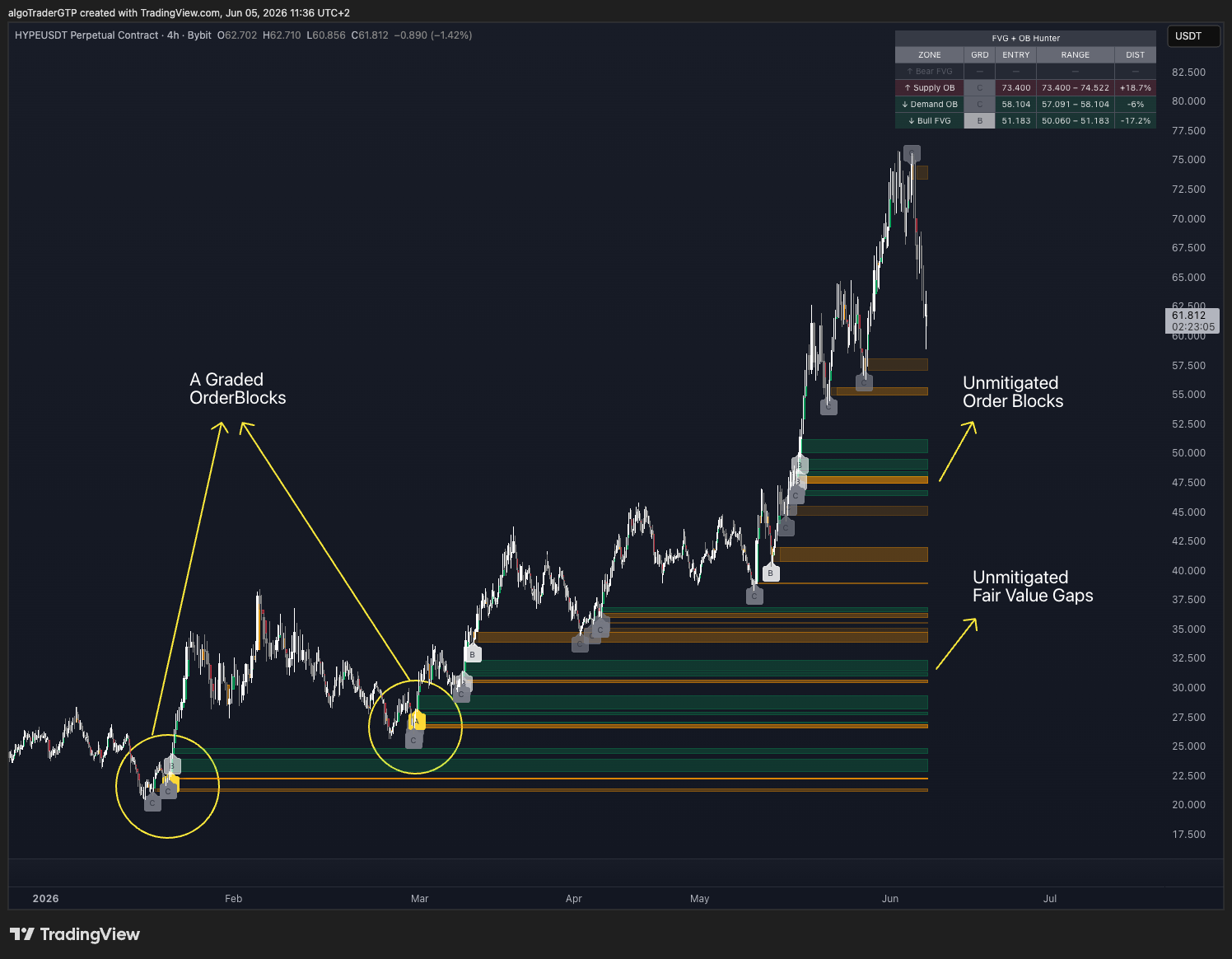
A day-trade setup is far stronger when structure lines up across timeframes. The Hunter marks order blocks and unmitigated fair value gaps together — so when a 15-minute order block overlaps a fresh 5-minute gap, you can see that confluence stack in one view. Those overlaps, especially around the session's key levels, are where the highest-probability intraday entries live.
Step 3 — Time the Session and the Entry
- Trade the active hours. Zones formed in thin, low-volume periods are less reliable — favor the session opens and high-participation windows for your market.
- Wait for the retest. Don't chase the impulse that creates the zone; let price come back to the graded block or gap.
- Enter on the reaction, stop beyond the zone. Your invalidation is structural — if price closes cleanly through, you're out small, by plan, and on to the next setup.
- Respect the clock. Intraday, a setup that hasn't worked by the end of your window is information — manage it, don't marry it.
Step 4 — Set Alerts So You Can Trade, Not Stare
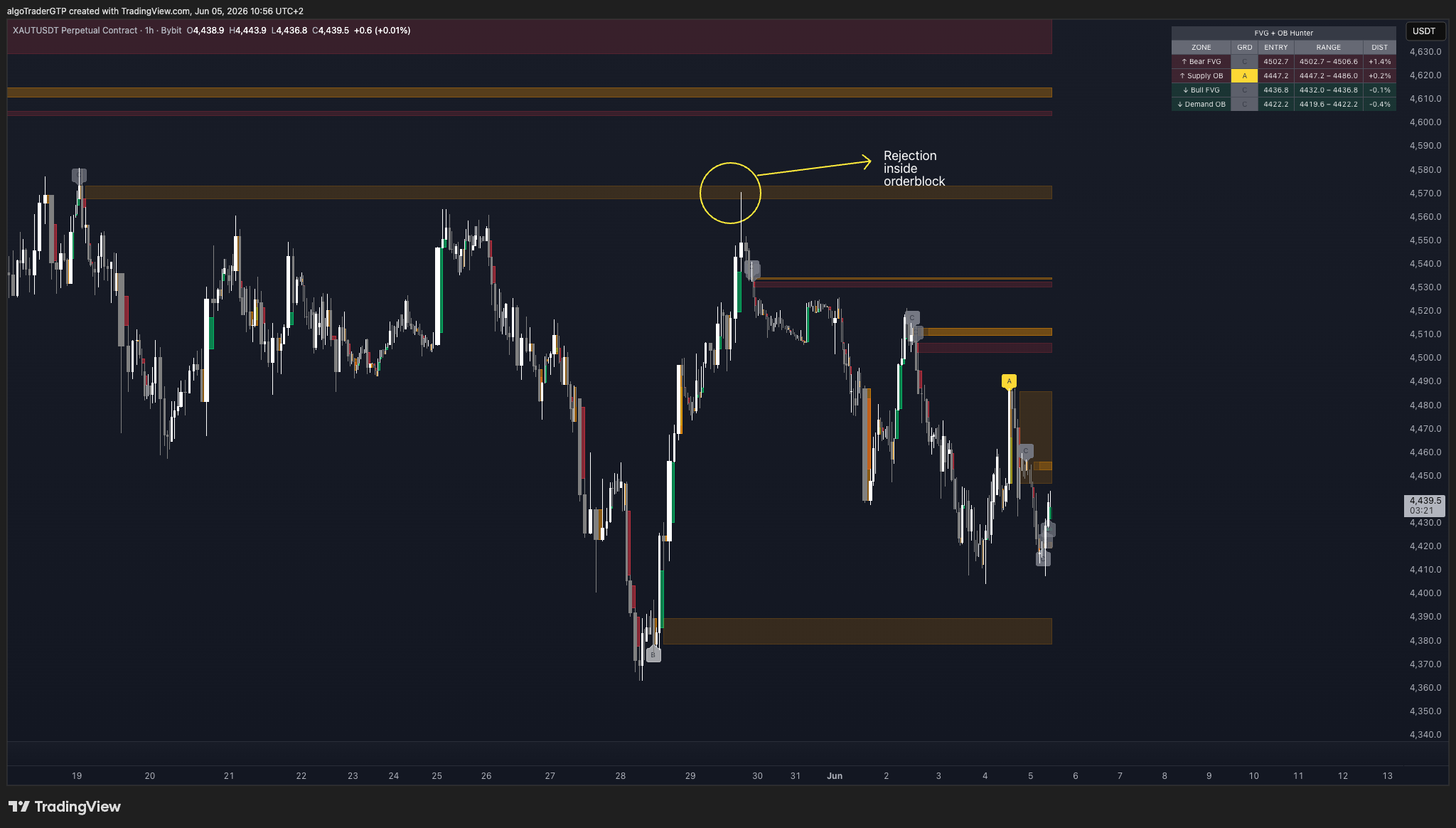
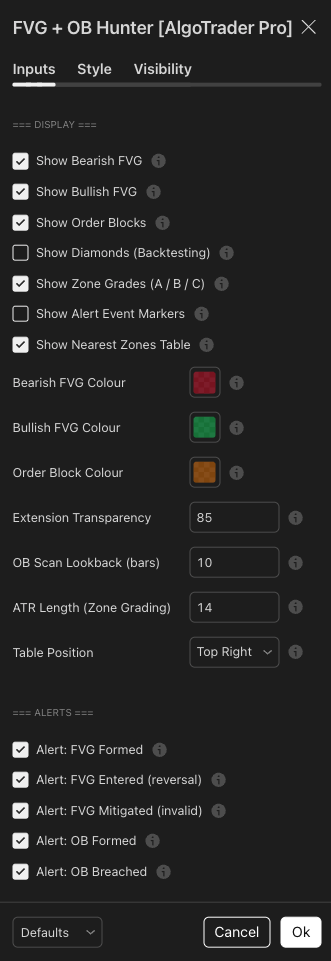
No day trader can watch every level on every timeframe. FVG + OB Hunter has five independent alert types, so it pings you the moment price returns to a zone instead of you babysitting the chart. Every input has a tooltip, so you can tune grading sensitivity and which alerts fire to match your intraday style without guessing.
This is educational, not financial advice. Zone grades describe structure strength — they are not predictions, and no intraday setup wins every time. Manage risk and size positions accordingly.
Get the Tool — or Have It Run for You
Evaluating tools before you commit? Browse the full lineup on the AlgoTraderPro indicators page. FVG + OB Hunter is a one-time purchase that runs on TradingView — it detects and grades every order block and fair value gap as it forms, and alerts you on the retest.
Don't want to chart it yourself during the session? Our desk runs this exact methodology live through the AlgoTraderPro signal service. See how the signals work.
Trade fewer, better zones — let the grade pick your intraday battles. Disclosure: some links above are affiliate or product links — if you buy through them, AlgoTraderPro may earn a commission at no extra cost to you.